
valueIQ adapts setup and views to your role
Released September 14, 2026.
When you get started, valueIQ asks about your role and your familiarity with value-selling methodology. Your answers guide your setup and place you in the default view for your role.
A few questions when you start
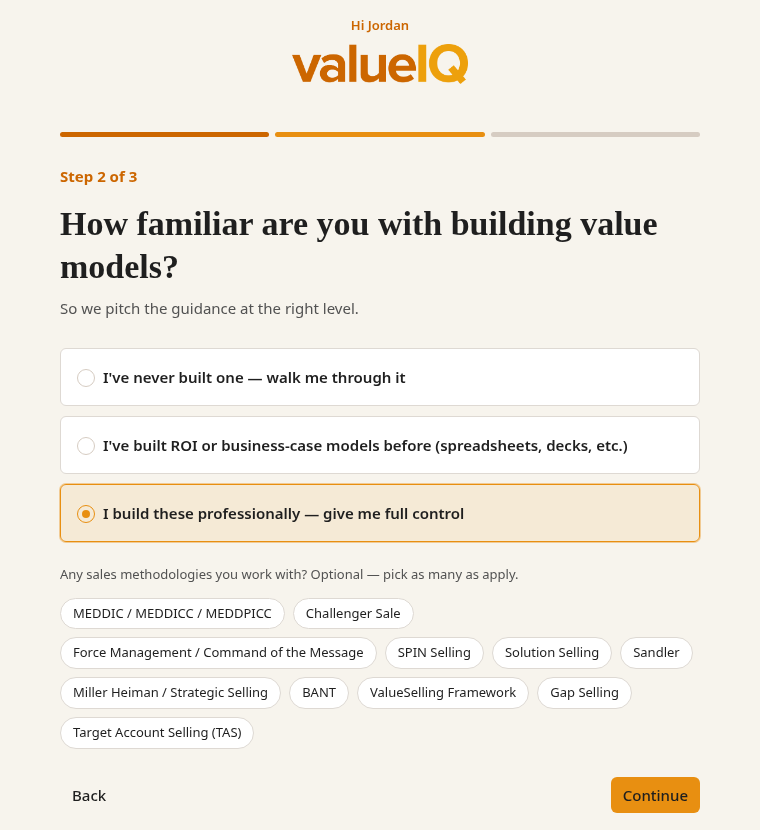
The first time you open a workspace, valueIQ asks up to three short questions: what best describes your role, how familiar you are with building value models, and whether you've used valueIQ before.
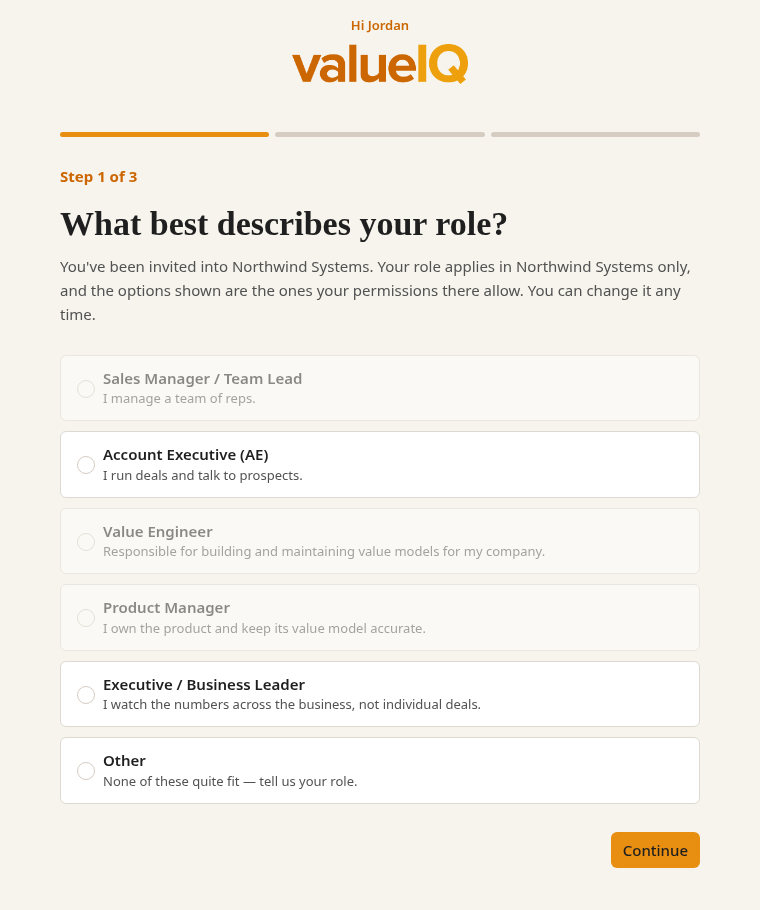
The role question lists five roles, in this order: Sales Manager / Team Lead, Account Executive (AE), Value Engineer, Product Manager and Executive / Business Leader, then Other.
A role you don't have permission for stays in the list, greyed out, with a note saying why:
- Value Engineer and Product Manager need permission to build value models. Workspace owners and admins always have it. A member needs an admin to grant it.
- Sales Manager / Team Lead needs the workspace owner or admin role.
If the role you need is greyed out, ask a workspace admin.
Your role can differ between workspaces, so you answer that question when you join a new shared workspace. If only one role is left that you can pick, valueIQ chooses it for you and skips the question. Your methodology familiarity and previous valueIQ experience are personal answers collected once, rather than repeated for every workspace.
Where you start
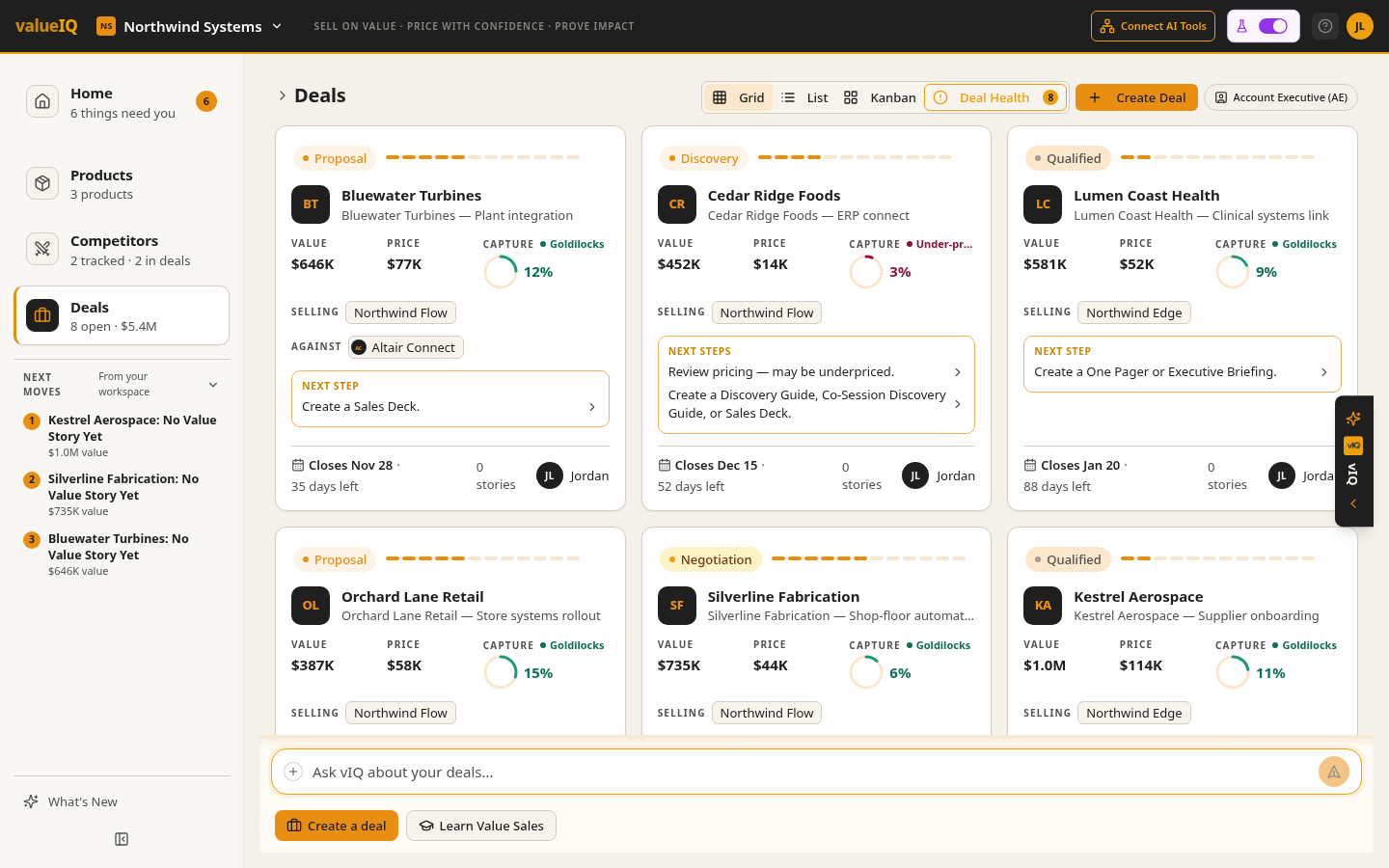
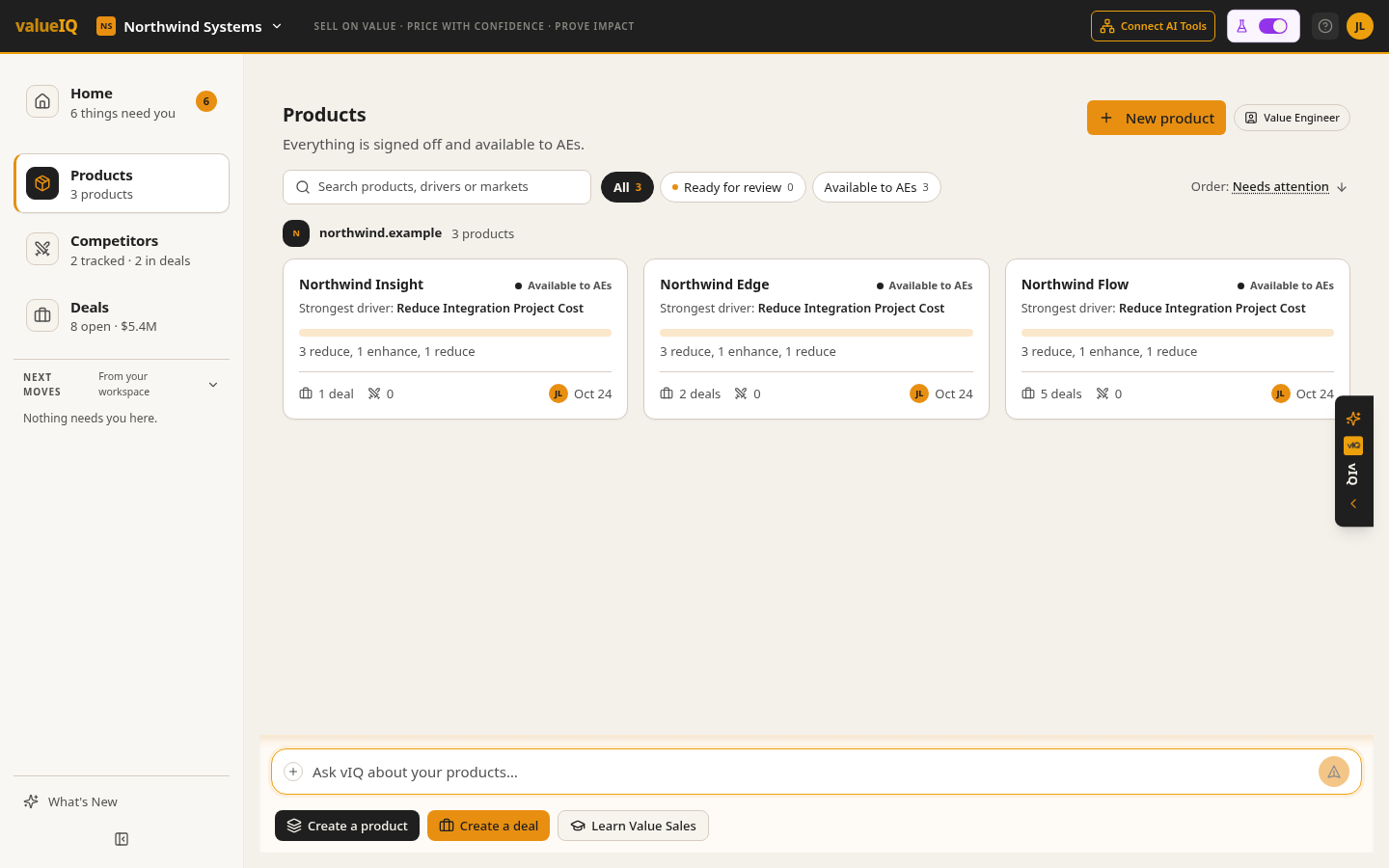
Account Executives start with deal-focused work, Value Engineers and Product Managers with value-model work, Sales Managers with team oversight, and Executives with a workspace rollup. An Account Executive who isn't on any deals in a workspace yet starts on that workspace's Workspace Home (Home in the rail).
Product Manager works exactly like Value Engineer: the same permissions and the same views. Only the starting point is its own. A Product Manager opens on Products and sees all deals. The coach also uses your role to frame its guidance.
See another role's view
Your role sets where you start, not what you can open. To see valueIQ as another role does, click the role button at the top right of Home, Products, Competitors or Deals (on a deal, it sits beside the tabs) and pick from How do you use valueIQ?. The menu shows only the roles you can pick. Roles you don't have permission for don't appear there.
Choosing a role grants nothing. It changes where you start and how pages are laid out, not what you're allowed to do.